1) Uninstall any existing MS Office package and then restart your Mac. 2) Go to link setup.office.com 3) Login with your Microsoft email account or create new ID if you don’t have one (eg: [email protected], [email protected]). Please note it will get bind to the email id that you will enter, which will not be changed later. 4) Enter your product key, then select India region and English language. 5) Then you will get an option to download the Office software. 6) Install downloaded Office software. 7) Open any app like Word or Excel. 8) As soon as the app is opened it will prompt to activate the software Select first option "I want to activate the software over the Internet ", click next and it is done ⚠️ Important Notes ✅ This license supports 1 Mac Device only. ✅ Key should ideally be activated within 2 days of purchase. ✅ License remains permanently linked to the same Microsoft account used during activation. ✅ Internet connection is required during installation and activation. (support.microsoft.com)
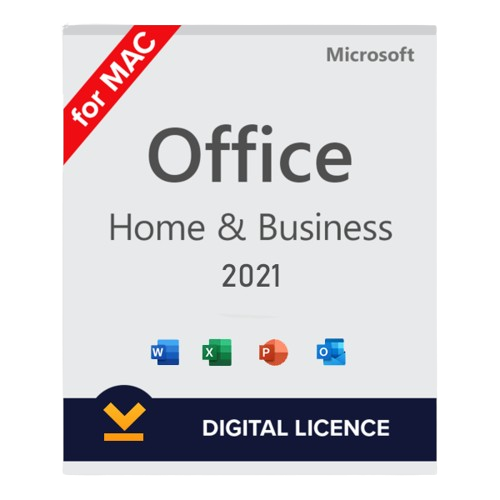
1) Uninstall any existing MS Office package and then restart your Mac. 2) Go to link setup.office.com 3) Login with your Microsoft email account or create new ID if you don’t have one (eg: [email protected], [email protected]). Please note it will get bind to the email id that you will enter, which will not be changed later. 4) Enter your product key, then select India region and English language. 5) Then you will get an option to download the Office software. 6) Install downloaded Office software. 7) Open any app like Word or Excel. 8) As soon as the app is opened it will prompt to activate the software Select first option "I want to activate the software over the Internet ", click next and it is done
⚠️ Important Notes
✅ This license supports 1 Mac Device only.
✅ Key should ideally be activated within 2 days of purchase.
✅ License remains permanently linked to the same Microsoft account used during activation.
✅ Internet connection is required during installation and activation. (support.microsoft.com)